Put the case in one folder.
Policy, carrier estimate, contractor proposal, invoices, photos, measurement report. PDFs, scans, Word, Excel, email and .zip case files are read where they sit.
Property claim workspace · Windows · Microsoft Store
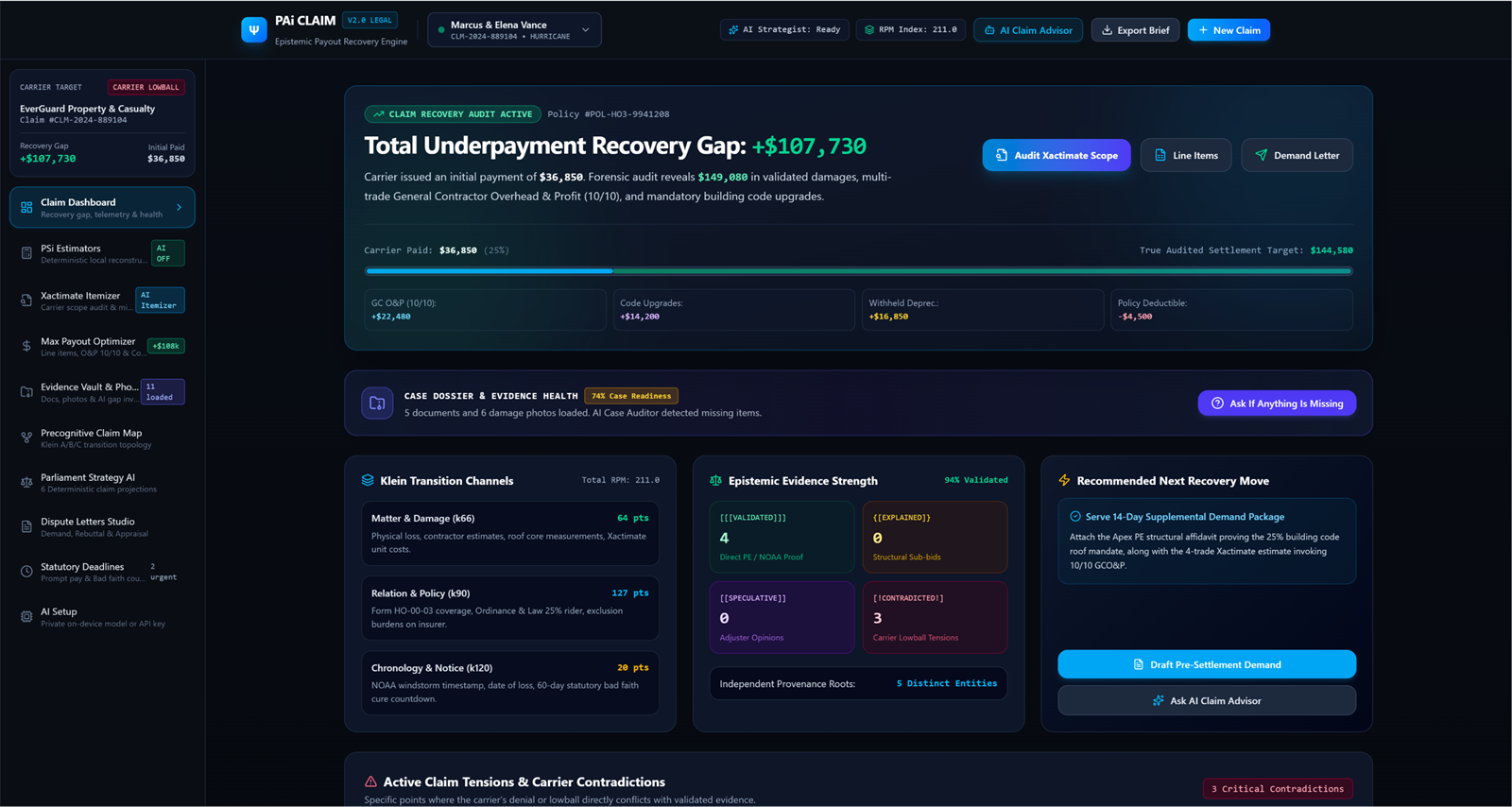
PAi Claims turns a policy, a phone full of photos, a measurement report and a carrier's estimate into one organized case file — then shows you, line by line, where the scope doesn't match the house.
Why this exists
The adjuster does this every day. You do it once — usually in the worst month you've had. The first estimate arrives long before the repairs do, and it quietly defines the loss: what gets replaced, what gets dried, what gets painted, what doesn't.
The number it produces decides the year. None of that is a conspiracy — it's what fast looks like. The distance between fast and complete is where claims are lost, and it is made of paper you don't have yet.
Quantities estimated on a walk-through, not from measurements. That is how most estimates begin, and why a report in your hand changes the conversation.
Depreciation, code items, matching, overhead and profit each follow a rule. None of those rules arrive with the estimate.
Photos on a phone, the policy in a drawer, the contractor's proposal in an email, the measurement report in a portal you'll forget the password to.
How it works
Five steps, in the order a claim actually moves. You can stop at any point and still have a better record than you started with.
Policy, carrier estimate, contractor proposal, invoices, photos, measurement report. PDFs, scans, Word, Excel, email and .zip case files are read where they sit.
Coverage limits, deductible, settlement basis, ordinance or law, suit limitation, proof-of-loss deadline — each term keeps the line it was read from. Two policies that disagree become a conflict you can see.
PSi estimators build a line-by-line scope from squares, pitch, edges and openings — with regional material and labor prices, and quantities you can trace back to a measurement. Where at least three separate court filings support an item, that filed price is used instead of a catalog figure.
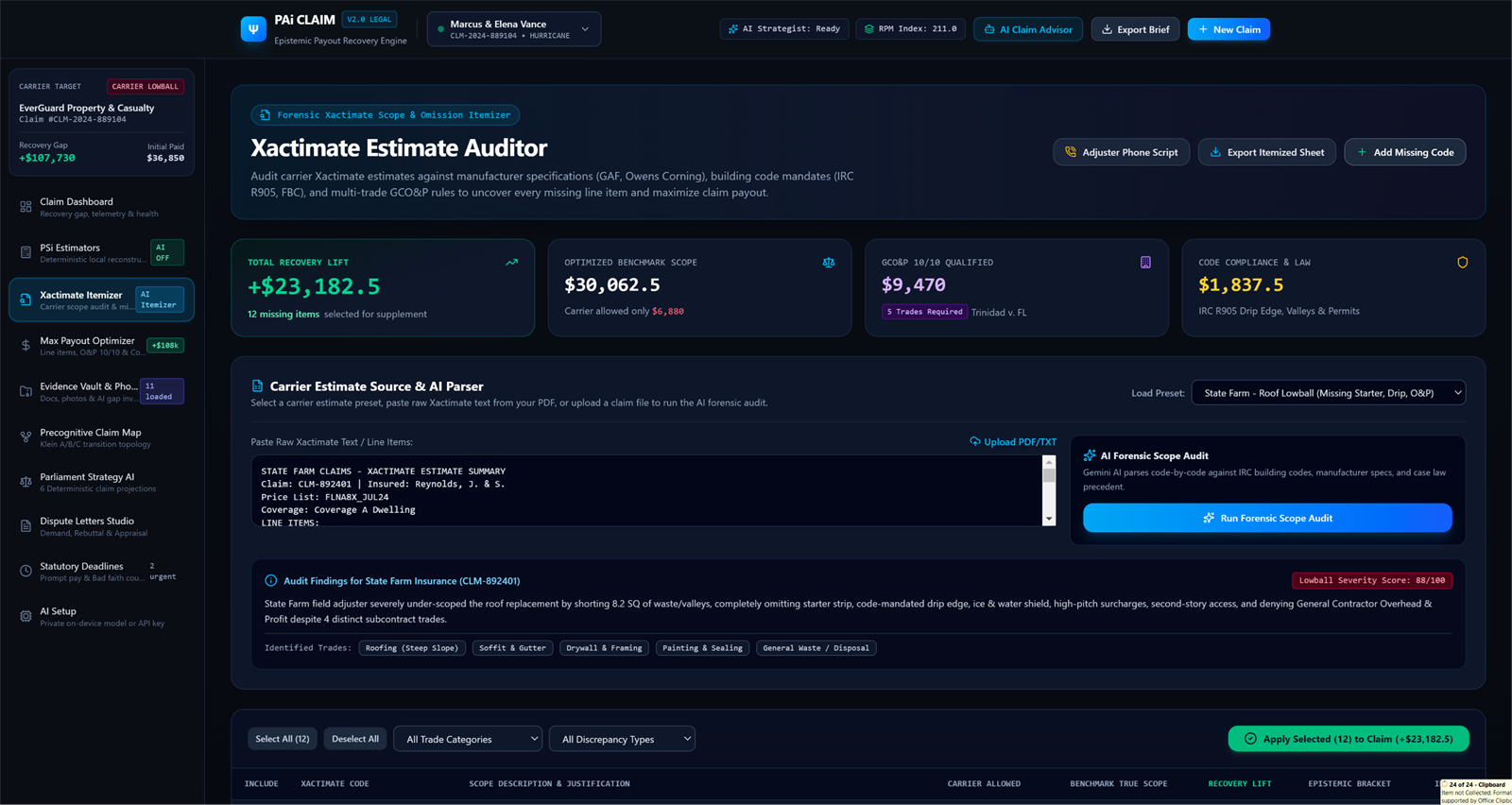
Import the carrier's estimate and see what was left out, what was priced differently, and which missing items the file can't support yet. Missing work carries no dollar figure until it's measured.
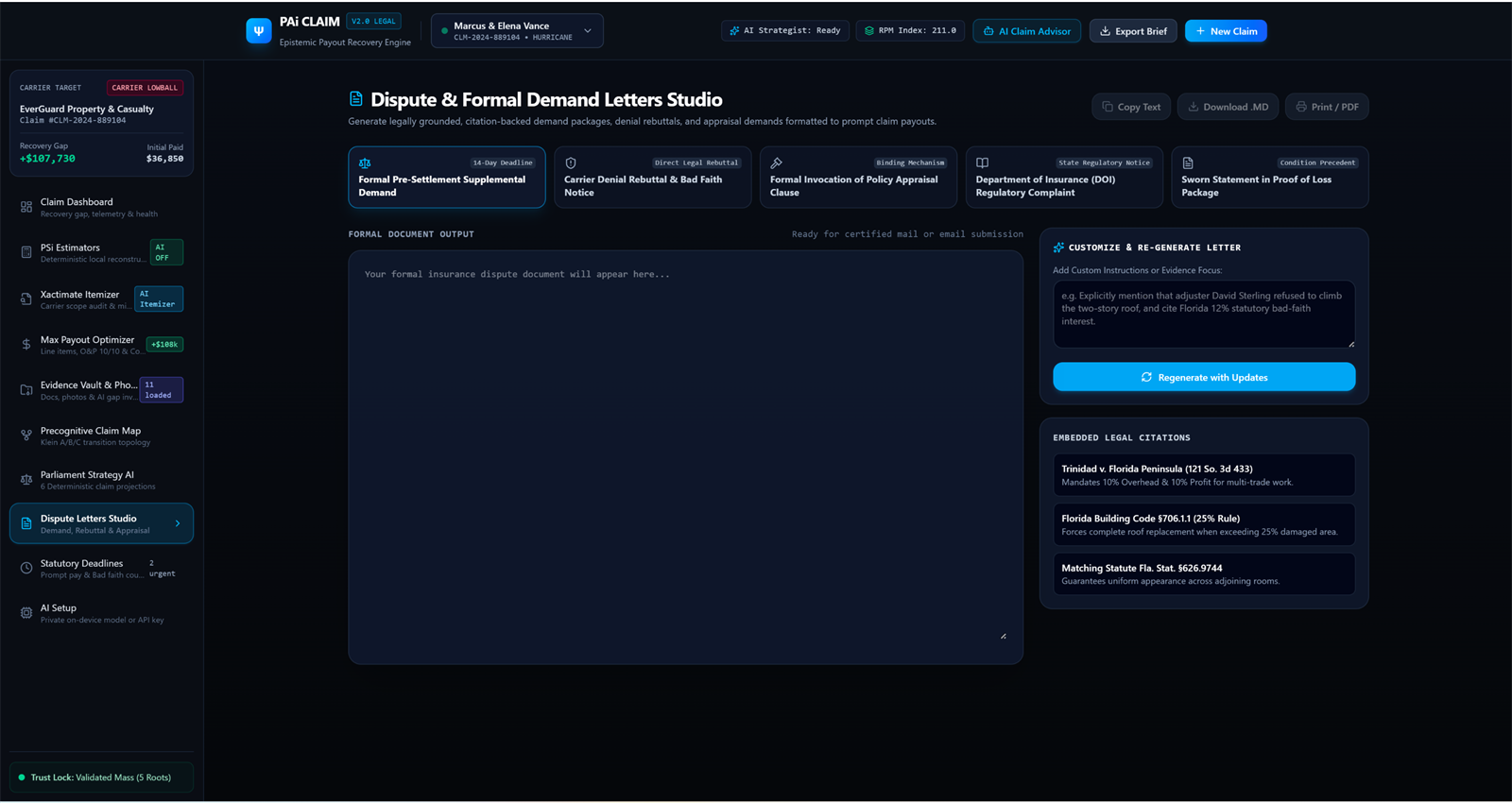
Parliament reads the case as a policyholder, an adjuster, an auditor and a settlement reviewer would. Then draft the supplement or demand letter from the record, with the citations attached.
Inside the app
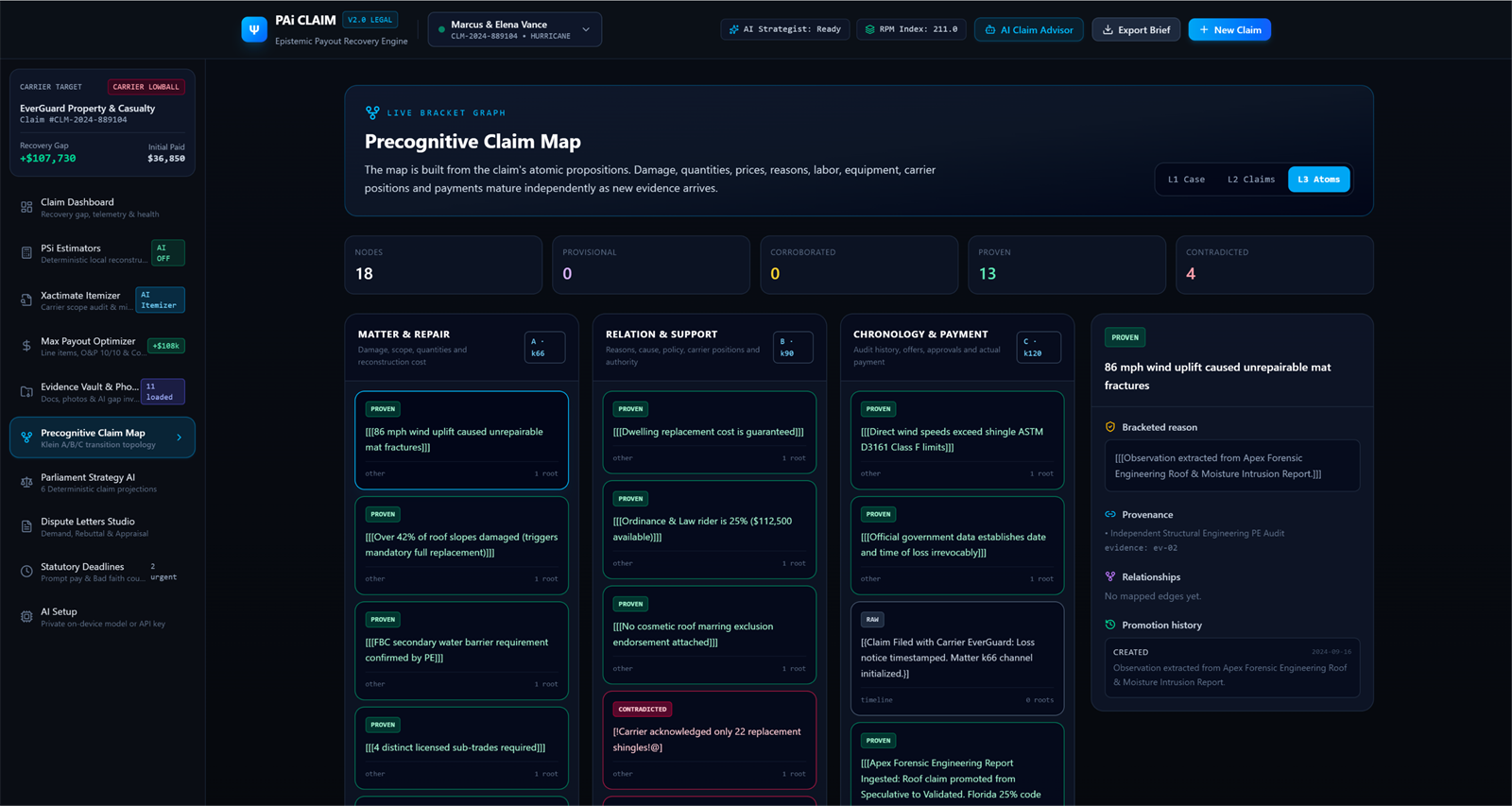
Same build that ships on the Microsoft Store. Pick a view.
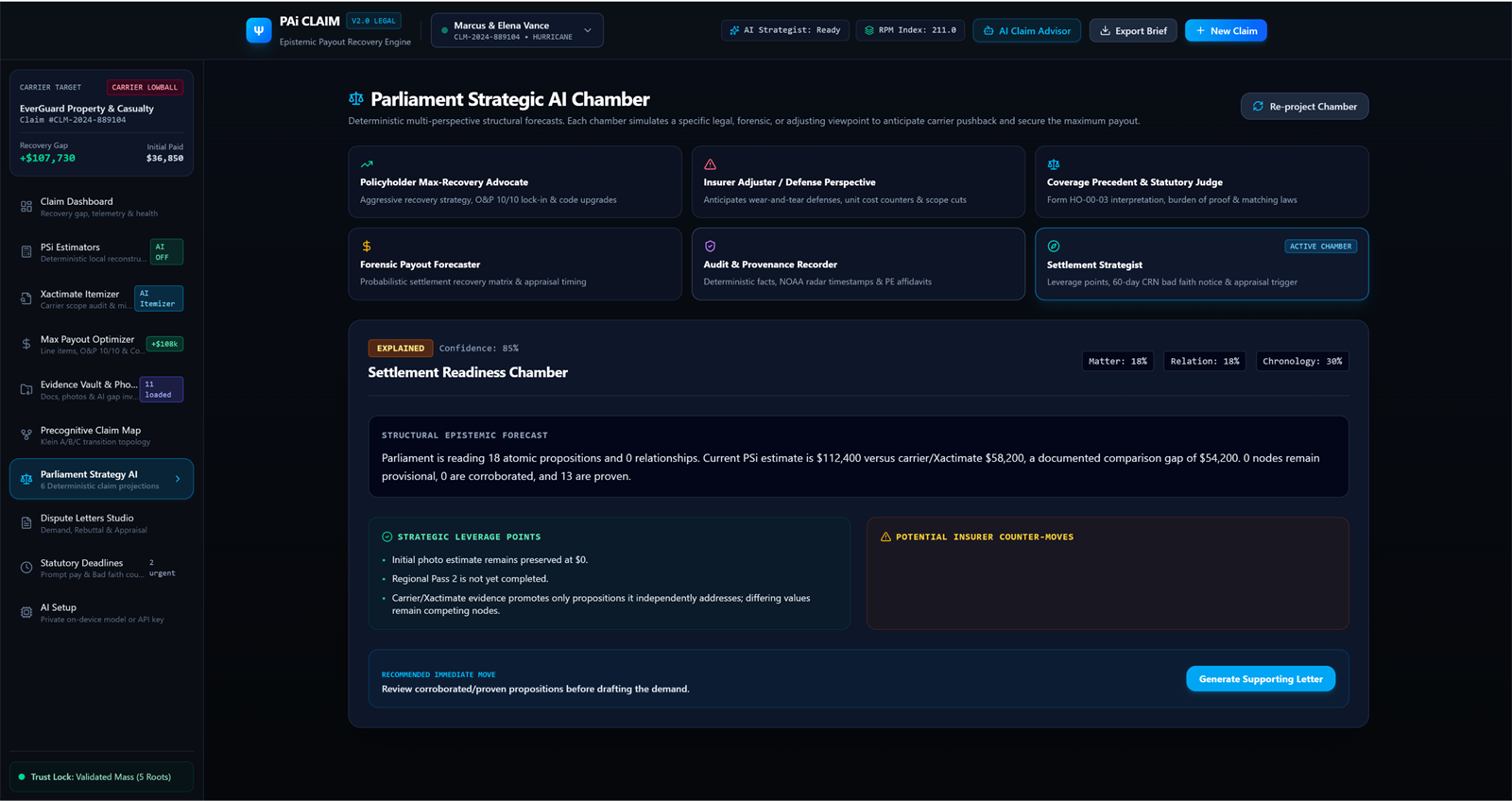
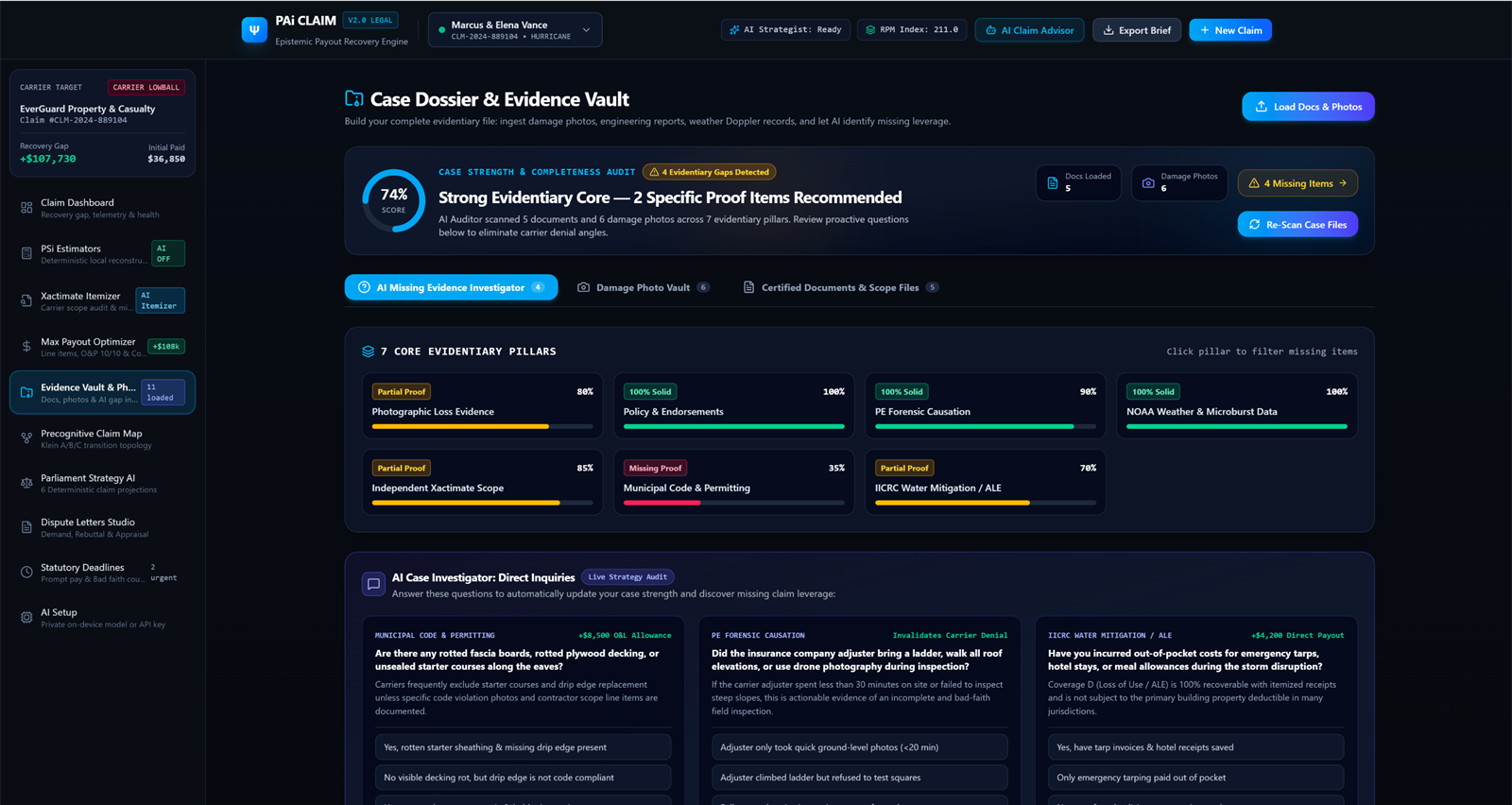
The brackets
Every statement in the case carries a bracket. Not a confidence score — a count of what independently supports it, kept where you can inspect it.
Three or more independent documents state the same thing. The strongest bracket the file can earn.
Two independent documents agree. Supported, but not yet corroborated across the file.
One document says it. Useful, quotable, and not enough on its own.
A single-valued fact is stated differently in two places. The conflict is kept, not smoothed over — and a total is checked against the breakdown that should add up to it.
An answer nothing yet supports. Asked, recorded, and left visibly open.
Brackets rise and fall as documents enter or leave the case. Every change is kept in that statement's history, so you can see what the file looked like when you relied on it.
Privacy & ownership
A claim file is a bad place to lock someone in. PAi keeps the case as ordinary files in a folder you choose — readable with or without the app, and still yours if you stop paying for access.
Estimating, document reading and comparison run on your machine. AI is optional.
Run a local model, or connect your own provider key with consent. Nothing is sent anywhere by default.
When an annual entitlement expires, the case stays viewable. You don't lose the evidence.
Removed documents and photos go to a removed folder inside the case.
On Windows 10 and 11, x64. Case folders can be moved, backed up or handed to an attorney the same way any other folder can.
Fees
No subscription to look around. The app and the demonstration case are free; you pay when a case starts.
The app, the demonstration case, the policy reader and the estimators. Use it to see whether it fits how you work.
Install freeOne PAi Claims case, plus one complimentary PAi Legal case with Case File Creator and PSi Legal Data. The Legal case is a first-purchase bonus.
Start a caseBought when you need one. Nothing runs in the background between cases, and nothing expires while you're not using it.
See in StoreFor organizations working claims continuously — disaster case managers, legal aid clinics, contractors. Files stay readable after it ends.
Talk to usPrices as published on the Microsoft Store listing. In-app purchases are handled by Microsoft. If cost is the obstacle, NFCcop accepts requests for free access — yprivateai.com.
Questions
Install it, open the demonstration case, and look around. That costs nothing and answers more than a page can.
Install PAi Claims, add the policy, and let the app tell you what the file can and can't prove yet. The first case is $20.
Free to install · Windows 10/11 · $20 first case